


Small Helpers, Big Dignity

Today we explore Accessible Micro-Automations that Support Seniors and Caregivers, focusing on small, humane workflows that reduce cognitive load, save minutes, and protect independence. From voice prompts to sensor nudges, discover practical setups, lived stories, and kind design choices you can try immediately. Share what works in your home, leave a comment with hurdles you face, and subscribe for actionable updates shaped by real caregiving realities and respectful aging.

Gentle Mornings Without The Rush

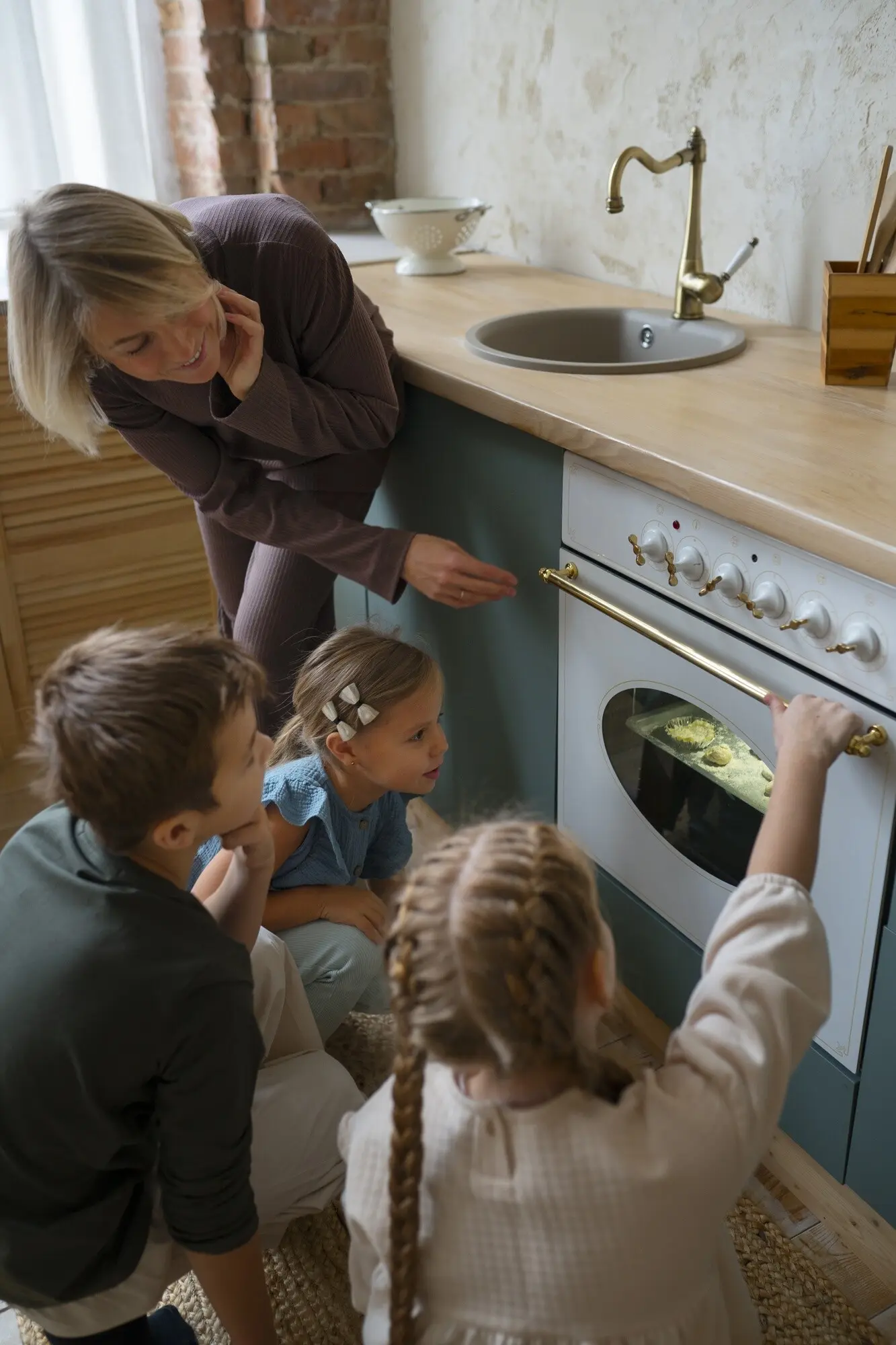
A timed lamp that simulates dawn, a soft chime prompting a stretch, and an automatic kettle turning on at the same time each day transform mornings from chaos into calm. Stack cues thoughtfully so each one prepares for the next step, like laying out clothing near the bed and placing the mug beneath the kettle. Celebrate small wins and adjust timing as sleep patterns change.

Medicines Remembered, Calm Restored

Medication adherence improves when reminders appear where decisions happen. A low, friendly tone near the pill box, paired with a light that blinks gently until acknowledged, beats a loud phone alarm across the room. Keep instructions large and unambiguous, and add a caregiver notification only after a reasonable grace period. This respects autonomy, avoids panic, and maintains trust while reducing missed doses.

Make Actions Obvious And Forgiving

Large buttons, consistent placement, and single-purpose interfaces reduce confusion considerably. If a routine fails, offer a simple retry instead of a cryptic error. Confirm success with a warm voice message or a soft light rather than complex notifications. Keep choices minimal and reversible. When in doubt, design for the easiest possible next step, so confidence grows with every small interaction.

Privacy As A Default Setting

Data minimization protects trust. Record only what is necessary to deliver a benefit, store it securely, and give transparent controls for turning features off. Prefer local processing over cloud where possible, and share summaries rather than raw details. Caregivers should see just enough to help, not to surveil. Start conversations about consent early, revisiting choices as needs and comfort levels evolve.

Offline-First And Battery-Sensible

Micro-automations must work even when Wi‑Fi blinks or power flickers. Favor routines that operate locally and fail gracefully, such as defaulting to safest states when connectivity drops. Choose devices with clear low-battery indicators and standardized chargers. Maintain a simple charging schedule and keep spares labeled. Reliability is caregiving kindness; predictability lowers stress, prevents cascading problems, and ensures support is there when truly needed.

Tools You Can Set Up This Afternoon

Start with familiar household objects upgraded by small, intentional tweaks. Smart plugs, motion-activated night lights, and voice assistants can produce immediate relief when configured conservatively. Pilot each change for a week, solicit reactions, and roll back what feels intrusive. Favor interoperability and devices with physical controls, because backup buttons matter. Document steps on a single page so anyone in the care circle can assist confidently.

Care Circles Connected With Less Friction

Communication works best when shared information is purposeful and respectful. Align on what gets shared, when, and with whom. One concise daily digest often beats constant pings. Establish an escalation ladder for genuine concerns, and keep routine updates lightweight. A clear agreement among family, friends, and professionals reduces duplication, prevents overwhelm, and ensures someone is available without everyone feeling always on.

Shared Calendars, Clear Boundaries

Use a single calendar for appointments, deliveries, and recurring tasks. Color-code who is responsible and add brief notes with access instructions. Limit edit permissions to avoid accidental changes, and schedule a weekly five-minute review. For privacy, summarize sensitive entries or store details offline. The calendar becomes a quiet backbone that removes guesswork and prevents last-minute scrambles for transportation, prescriptions, or companionship.

Lightweight Check-Ins, Heavy Reassurance

Replace disruptive calls with a friendly, scheduled prompt asking, “All okay today?” The response can be a simple button press or short phrase. If missed, a second gentle nudge follows, then a message to the next contact. This pattern provides reassurance without interrupting meals, naps, or treasured routines. Over time, check-ins become a comforting ritual that signals presence rather than policing.

Stories From Real Homes

Narratives reveal how small changes create outsized comfort. These vignettes draw from composite experiences to protect privacy while illustrating practical decisions, missteps, and steady improvements. Notice the focus on consent, predictability, and the family’s unique rhythms. Use them as a starting point, not a prescription, and please share your own lessons so our community library grows smarter, gentler, and more adaptable together.

A Morning Path For Mrs. Alvarez

After repeated falls while reaching for a hallway switch, motion lights now glow softly at 5 a.m., guiding her to the kitchen where the kettle quietly starts. A laminated card near the counter lists a three-step voice phrase for tea and radio. Her daughter reports fewer urgent calls before sunrise, and Mrs. Alvarez says the house finally feels like it remembers her pace.

Quiet Evenings For Mr. Singh

Dementia made sundown hours restless. A gentle routine now lowers blinds, dims lights, and plays nostalgic ghazals at sunset. A subtle lamp near medications turns on, inviting an unhurried moment. If untouched after ten minutes, a respectful text reaches his son. Most nights end with a favorite poem and chamomile. Everyone sleeps better, and Mr. Singh feels guided rather than managed.

A Family Spread Across Time Zones

Siblings in three cities coordinate care using one shared board showing groceries, appointments, and household tasks. A weekly captioned video update from their mother, recorded via a big-button app, anchors connection. Micro-automations handle reminders and porch lights, while humans handle stories and laughter. Escalation rules limit nighttime disruptions. The family reports fewer misunderstandings, more visits with purpose, and renewed patience.

Printed Cues And Large-Text Guides

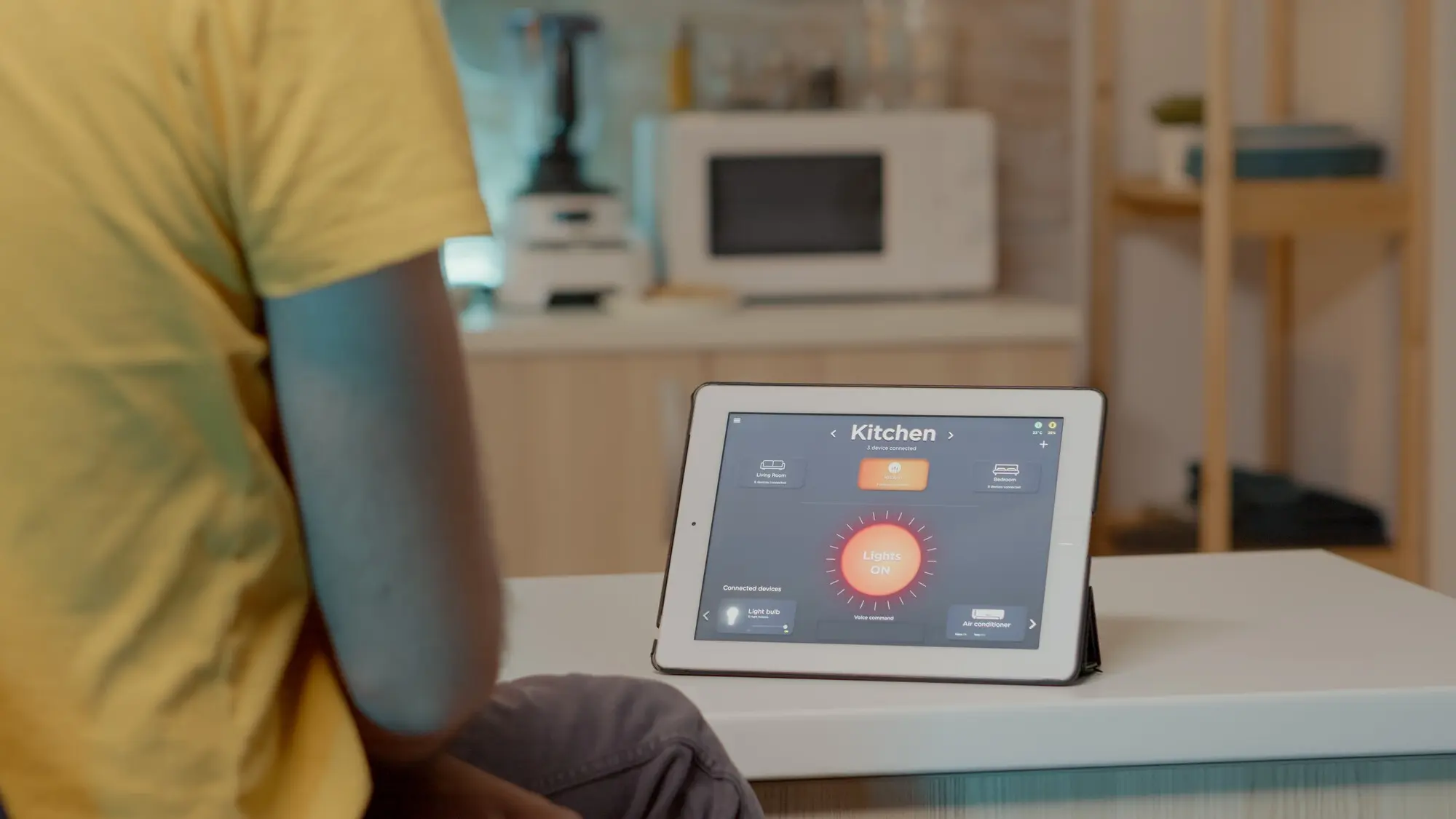
Place concise, high-contrast cards near devices, showing exactly what to say or press. Include a single troubleshooting tip and a friendly reminder of the goal, like “for cozy reading.” Avoid jargon, and use photos of the actual buttons. Laminate for durability, and review monthly for accuracy. Clear visuals shorten learning curves and prevent small frustrations from snowballing into abandonment.

Practice Sessions With Safe Sandboxes

Before connecting anything to real appliances, rehearse with a simulated routine. Let the person try commands, make mistakes safely, and experience an easy reset. Encourage questions and write down preferred phrasing. End sessions on a success, however small. This gentle rehearsal transforms performance anxiety into curiosity, ensuring the first live use feels familiar, supportive, and well within personal comfort zones.

Community Tech Buddies And Peer Support

Pair newcomers with patient volunteers or neighbors who already use similar setups. Short, regular check-ins beat one marathon training day. Encourage sharing of hacks, like placing devices at ear level or using contrasting tape on remotes. Group confidence grows when people trade practical tips and kind accountability. Invite readers to comment with local resources; we will compile and circulate a living directory.

Define Outcomes Before Devices

Write a one-sentence intention, like “reduce nighttime falls” or “cut medication confusion.” Choose tools only if they directly serve that intention. Set a short trial window and a clear success indicator, such as fewer missed doses or calmer evenings. Without a purpose, devices become chores. With purpose, they become quiet allies, doing exactly enough and never more than necessary.

Feedback Loops You’ll Actually Use

Schedule a five-minute weekly review with the care circle. Ask three questions: what felt easier, what felt harder, and what should change first. Note answers in a shared doc, then tweak one setting at a time. Celebrate improvements, however small. Incremental adjustments preserve momentum and prevent overwhelm, while honoring the lived experience of the person whose comfort guides every decision.

Budget, Maintenance, And Longevity

Favor durable devices with replaceable parts and open standards. Keep a visible checklist for battery replacements and software updates, and assign ownership to avoid drift. Budget not only for purchase, but also for upkeep and occasional spares. If a gadget fails, the routine should still function manually. Resilience comes from simple fallbacks, clear labeling, and a plan that anyone can follow.